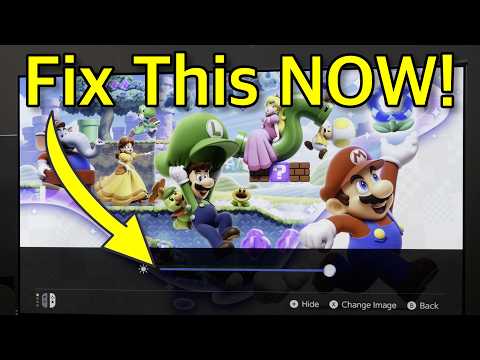
Nintendo is always tweaking both its software and hardware and one thing that has recently been noticed is the changes to the HDR settings on the Nintendo Switch 2. Thankfully, reliable YouTube channel HDTVTest is here to tell you how to tweak it for th…  | By Sickr on December 13, 2025 | Nintendo is always tweaking both its software and hardware and one thing that has recently been noticed is the changes to the HDR settings on the Nintendo Switch 2. Thankfully, reliable YouTube channel HDTVTest is here to tell you how to tweak it for the best results as it wasn't working correctly before on some models of TVs. What is suggested is that you turn on HGiG if you have it. On the first screen, turn up the brightness until the sun on the right isn't visible anymore and one the second screen, press Y for the slider and set it to 5 clicks from the left. There's more information if your curious in the video down below. | | | |




0 Comments:
Post a Comment